LEGAL RESEARCH
Student Guide to Statutory Research
Unlock your argument with statutes and their annotations.
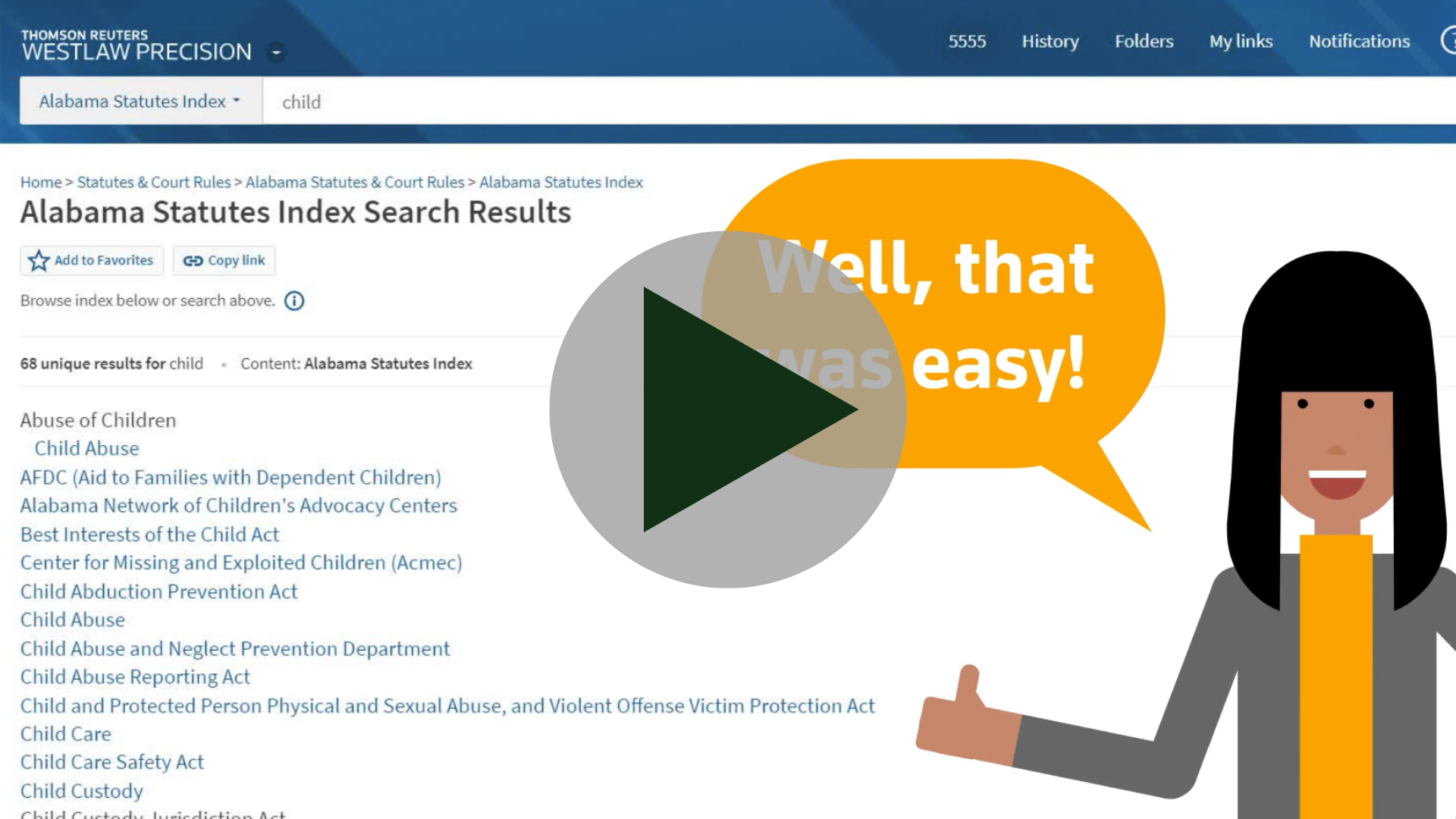
Find a Statute
What comes first? The statute or the judicial opinion?
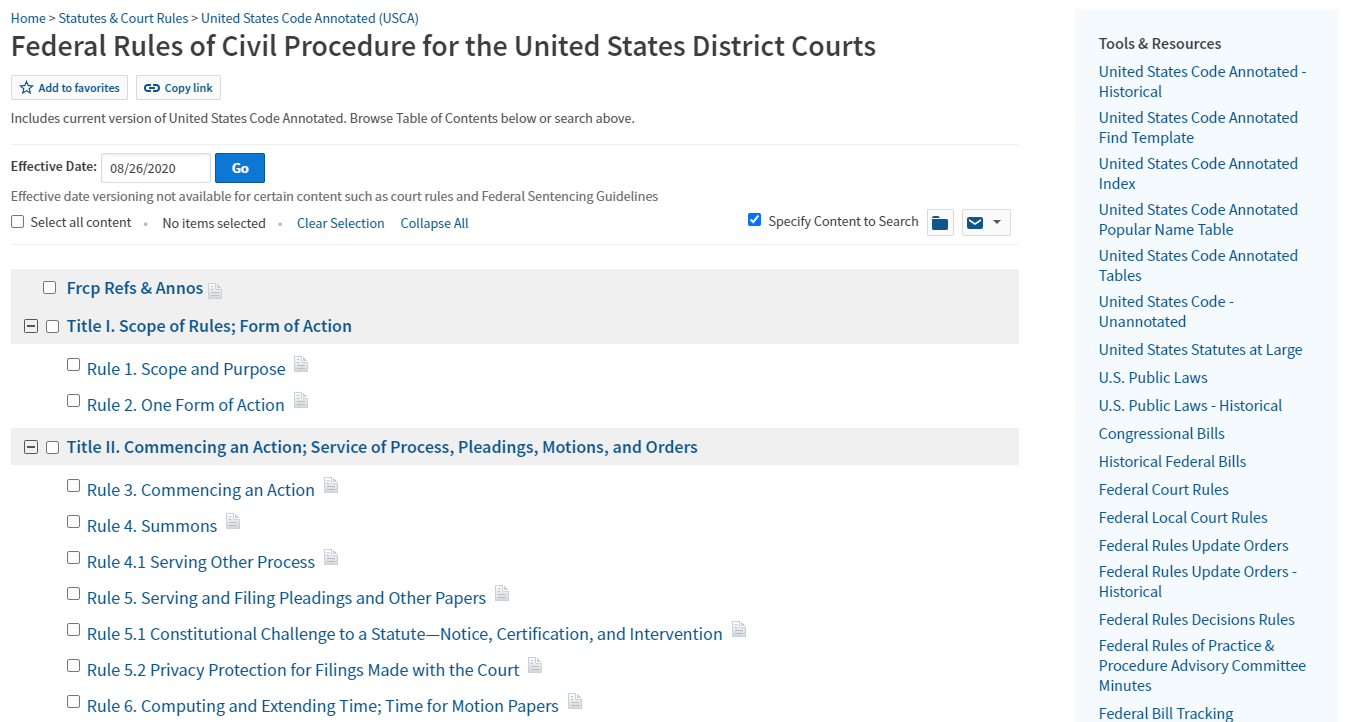
It's the age old question of the chicken or the egg. But when it comes to the law, if a statute exists, its language should lead your research. The judicial opinion then interprets the statutory meaning. To find a statute on point, use Westlaw's statutory index, legal technology's most comprehensive tool for all federal and state statutes.
Did you know?
Westlaw has indexes for regulations, too!
You can navigate them in the same manner as the statutory indexes.
Interpret Statutes
Understand a statute with a curated list of highly relevant cases.
Now that you have found your statute, how do you apply it? Use Notes of Decisions to understand the practical applications of any statute. This collection of annotations written by Westlaw's attorney editors will give you that starting authority you need to begin your application.

Validate Your Statute
Avoid using bad law, validate every statute.
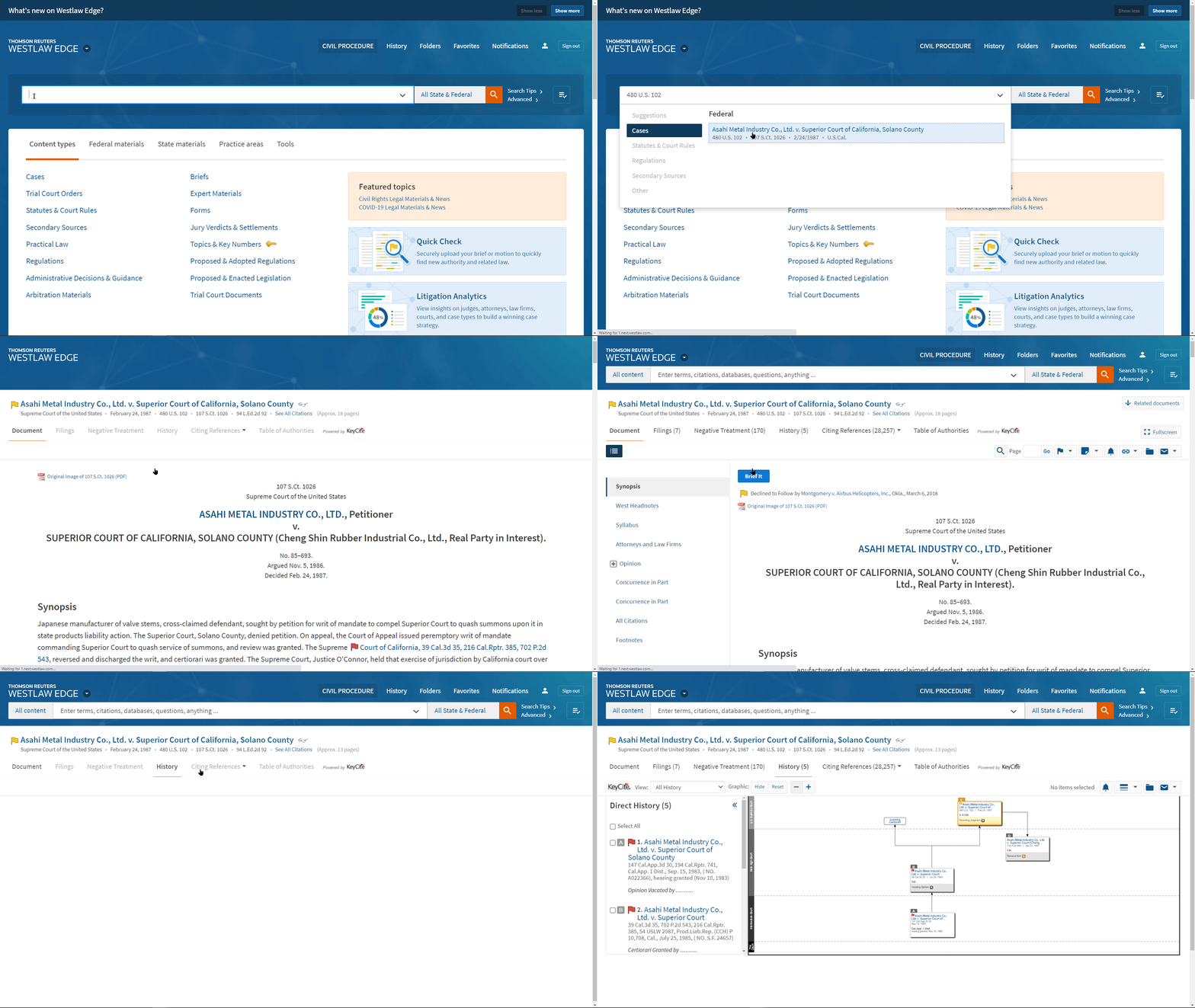
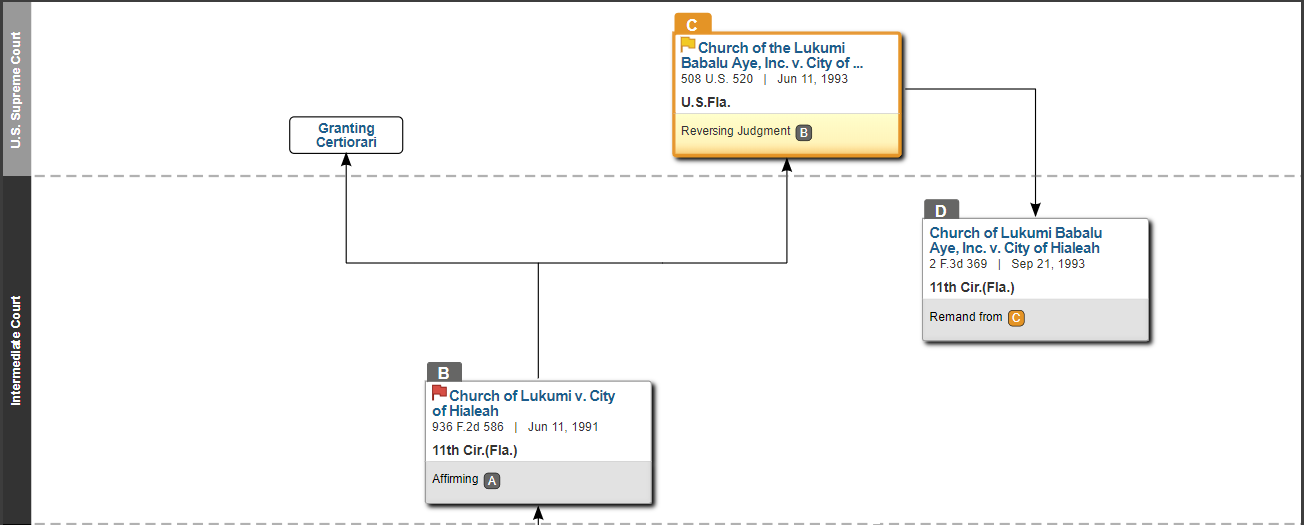
Yellow and red flags are your "warning lights" for statutes. If you see one of these flags on a statute, investigate the risk. Click the History tab and check the Validity section - that's where you'll see if the statute has been amended, repealed, or invalidated.

Negative Treatment or Proposed Legislation
A yellow flag will appear on the statute if it has proposed legislation, or a court decision has questioned its validity, or a prior version of the statute received negative treatment from a court.

Amended or Held Unconstitutional
A red flag will appear on a statute that has been amended, repealed, superseded, or held unconstitutional or preempted in whole or in part.
Did you know?
A statute can have both a yellow flag and a red flag.
Check out an example where a portion of a statute has been found unconstitutional, triggering the red flag, and a yellow flag is also indicated because there is proposed legislation to remedy.
Explore Legislative History
Discover hidden secrets in your content.
Understanding legislative intent can help you clarify statutory language. Knowing the "why" can help you apply the statute to real world scenarios. Legislative History documents, such as committee reports or floor debates, are created during the legislative process to record the lawmakers' reasoning for creating the statute.
Leverage AI Tools for Statutes
Power up your research with AI built for statutes.
PRO TIP: AI isn't just about speed - you need to trust where your answers come from. With Westlaw Advantage, you're using AI built for lawyers, powered by Thomson Reuters attorney‑edited content and trusted for over 150 years.
Statutes Compare
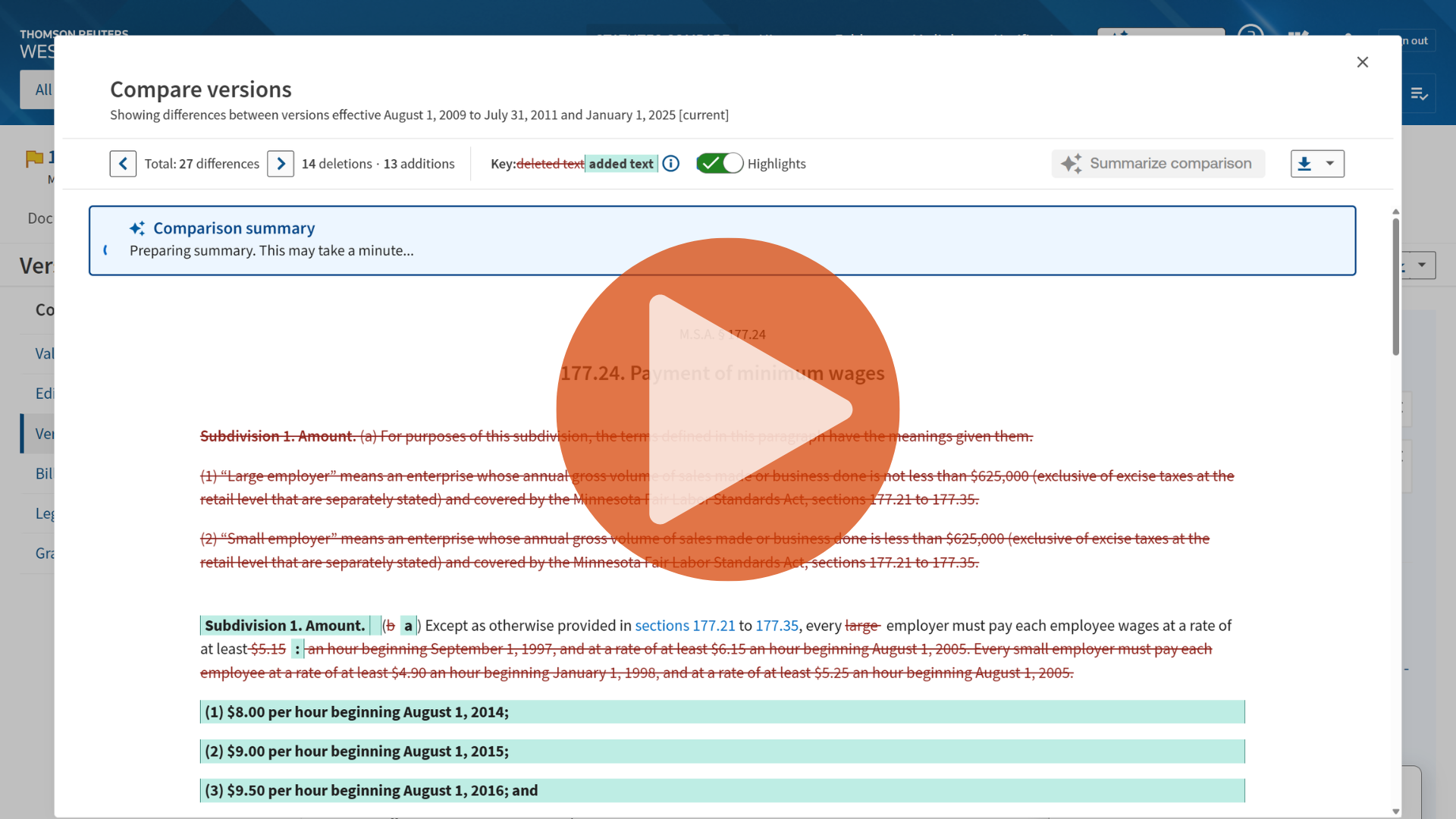
Summarize statutory changes quickly with Statutes Compare.
Even small wording changes can affect how a statute is interpreted, and they're changing all the time. Statutes Compare shows differences between versions at a glance. Just select "Summarize comparison" to get an AI‑generated overview of the most important changes.
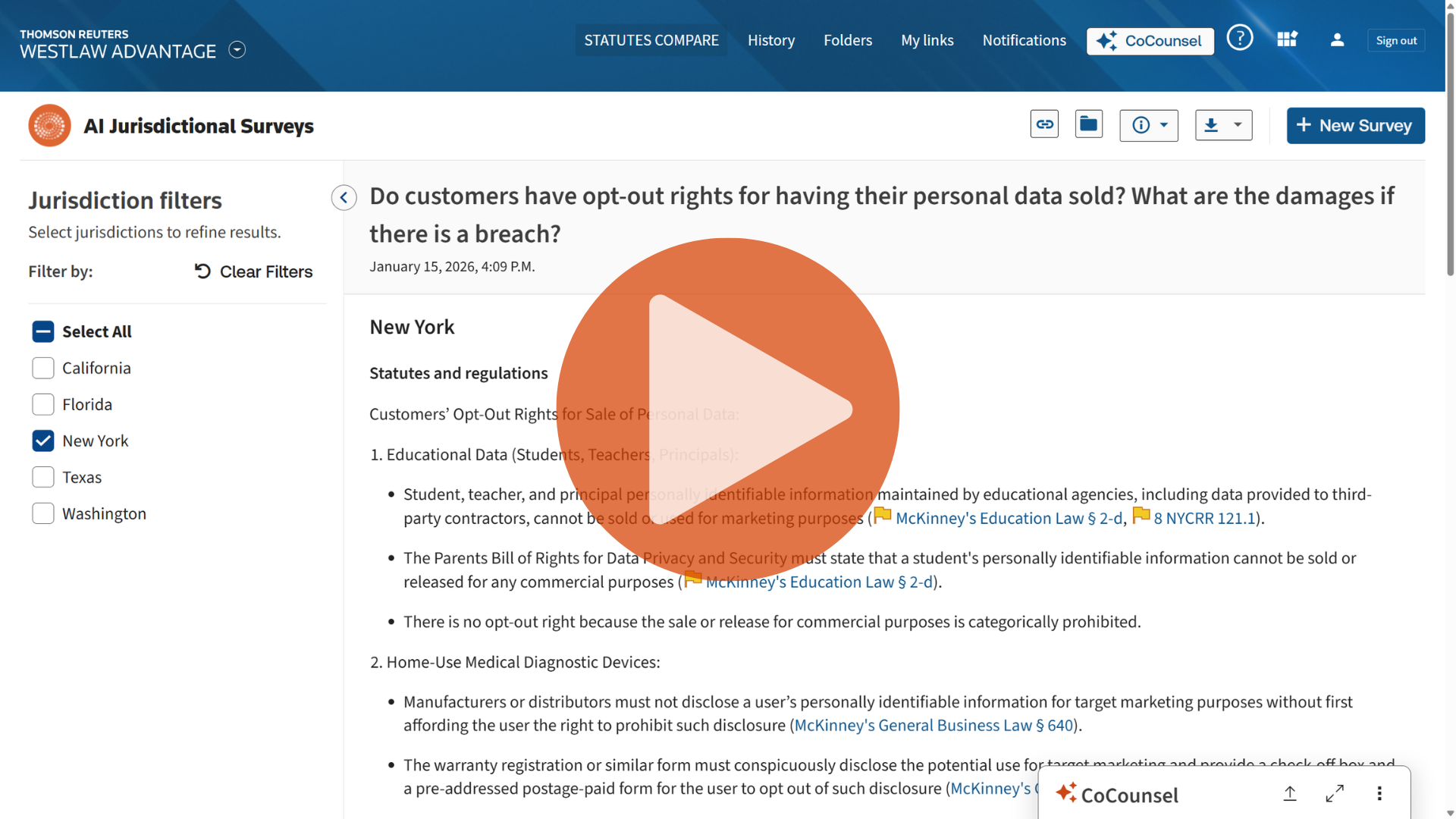
AI Jurisdictional Surveys
Compare statutes across states with AI Jurisdictional Surveys.
Every state is a little different - especially when it comes to statutes. AI Jurisdictional Surveys harnesses AI to find similar statutes across states and generates a current, comprehensive survey of the law based on your search.