LEGAL RESEARCH
Advanced Search Techniques
A guide to take your research skills to the next level.
Terms & Connectors
For complex issues, take control of your search.
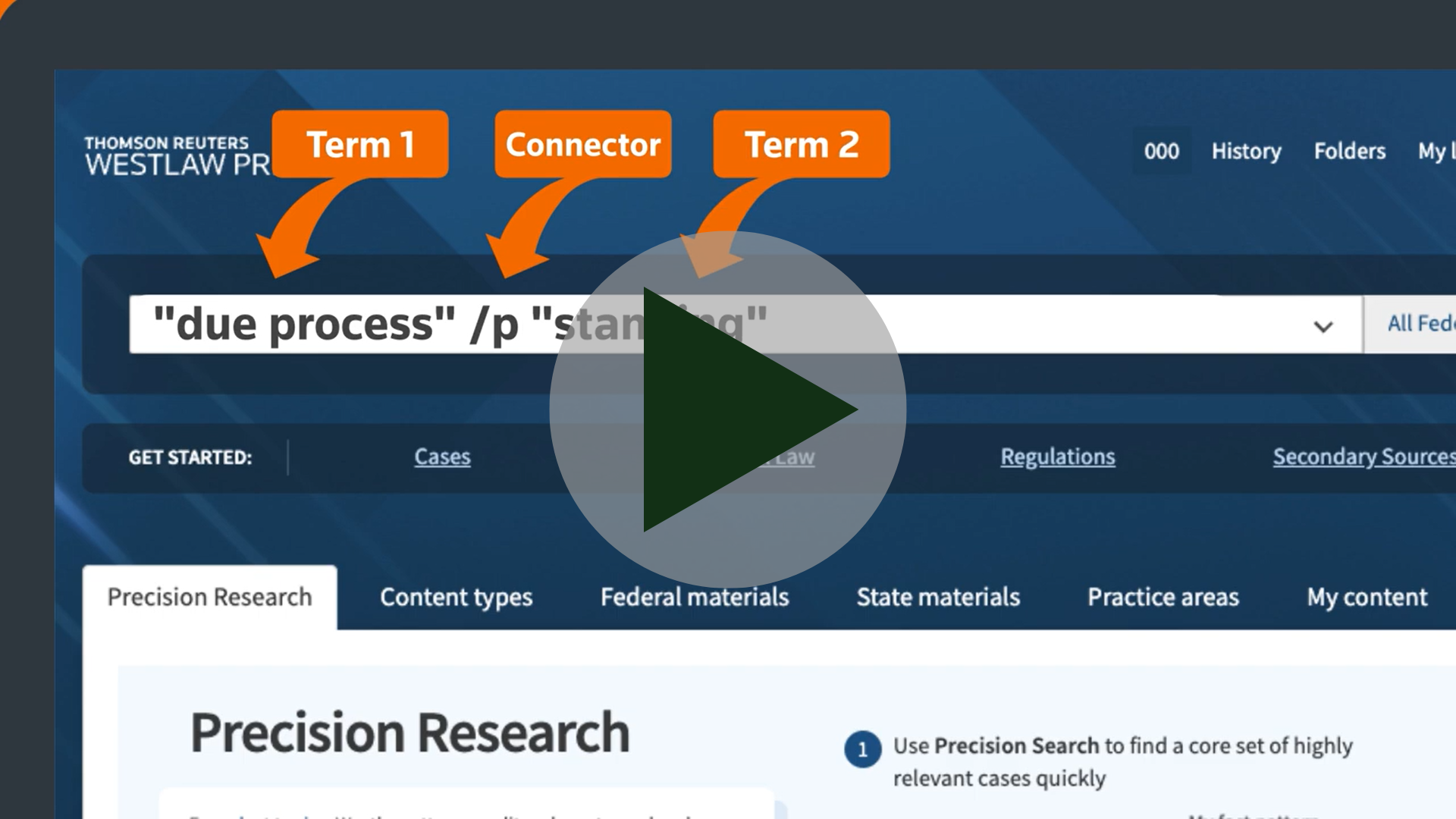
If you stick to just plain language, you'll never need Terms & Connectors, right? Wrong. With terms & connectors, you can create a query that specifies the exact relationship between the key terms of your issue opening up tactile and targeted research.
Get to know your connectors.

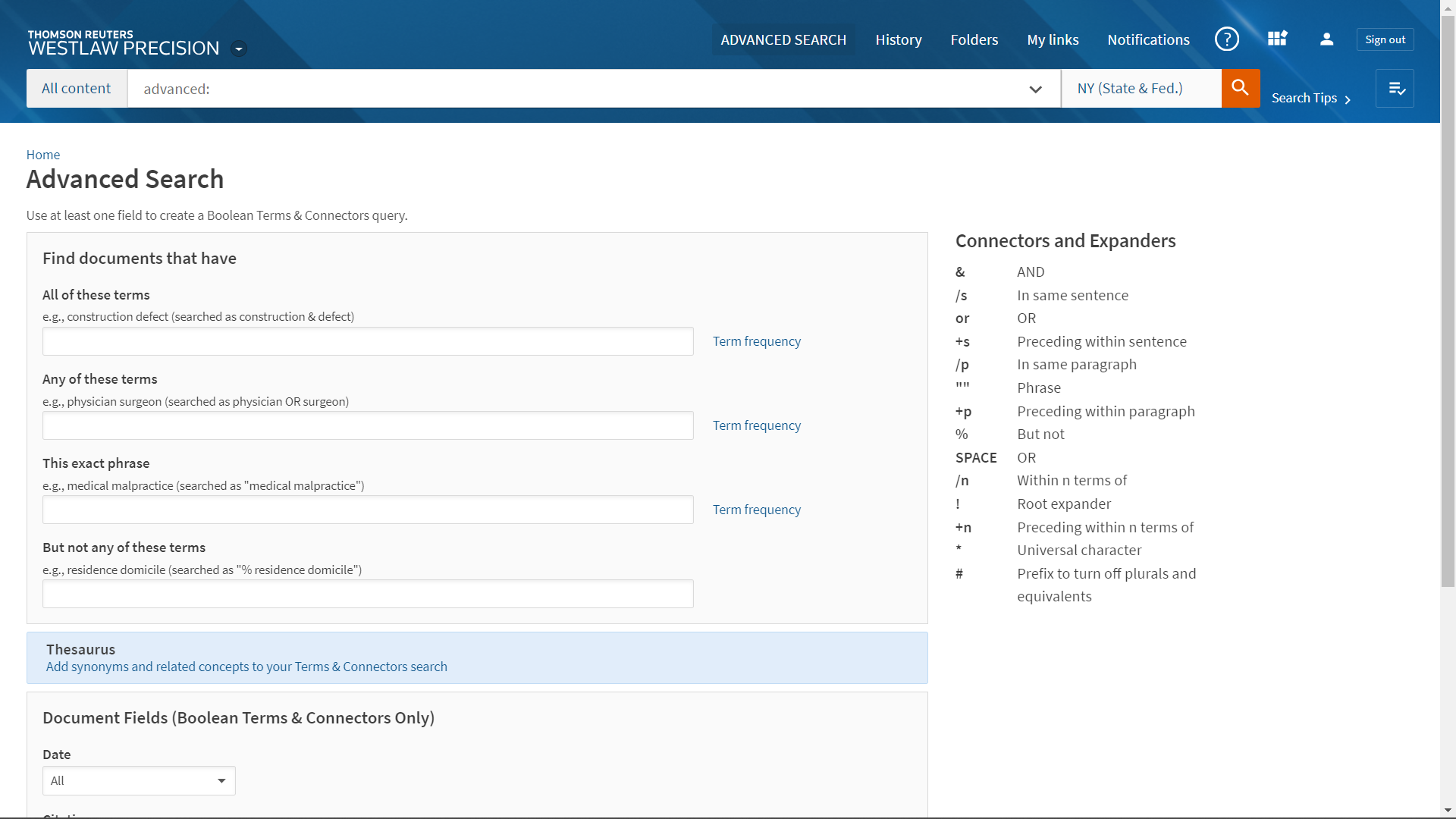
Either Term in Document
Searches for either (or both) of your terms within a document. Great for alternative terms.

Within Same Document
Searches for two or more terms that must appear anywhere in the document - including different pages.

Within Same Paragraph
Search terms must appear within the same paragraph. Useful for searching for ideas and issues.

Within Same Sentence
Search terms must appear within the same sentence. Useful for searching for concepts and statements.

Within Number of Terms
Search terms must appear within "n" terms, 1 to 255 of each other. Useful for searching for definitions and applications.

Exact Order of Terms
Searches for a specific phrase or quotation. Useful for finding established terms of art or statutory quotations.
Did you know?
If you're looking for terms & connectors inspiration,
American Law Reports articles provide sample searches.
Field Searching
Field searches help you, focus on what is important.
All documents on Westlaw are broken into parts called fields. Rather than searching entire documents, you can strengthen the relevancy of your search by focusing on specific fields. Below is a small sample of incredibly helpful fields you can harness.

Synopsis & Digest
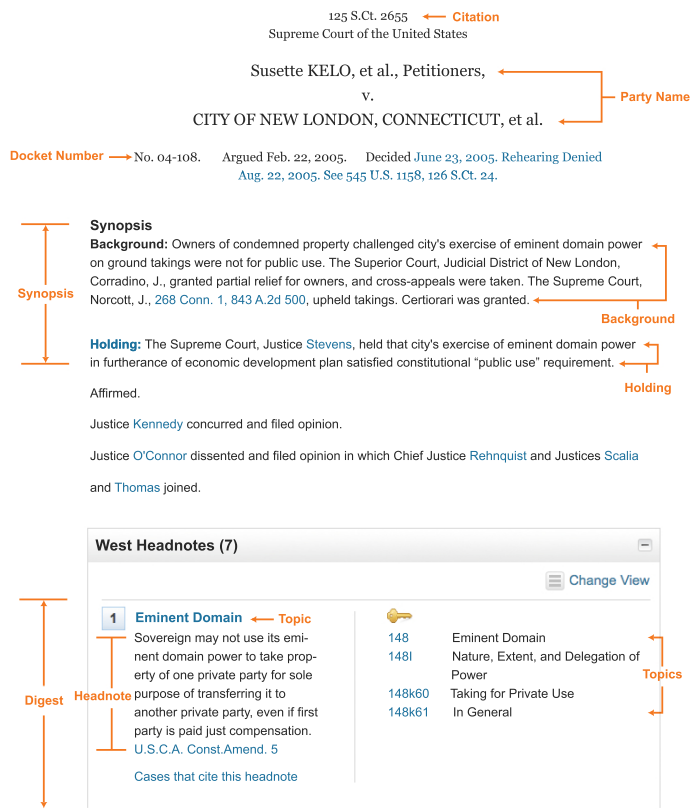
Searches the summary and headnotes of cases for your key terms. Useful identifying cases where your issue was featured prominently.

Preliminary & Caption
Searches the major headings and the description of each statute for your key terms. Helpful for identifying leading statutes across multiple titles.

Words & Phrases
Searches statutes (Legislative) and cases (Judicial) for definitions of your terms. Useful for finding rule statements and factual applications.
Advanced Search
Discover hidden secrets in your content.
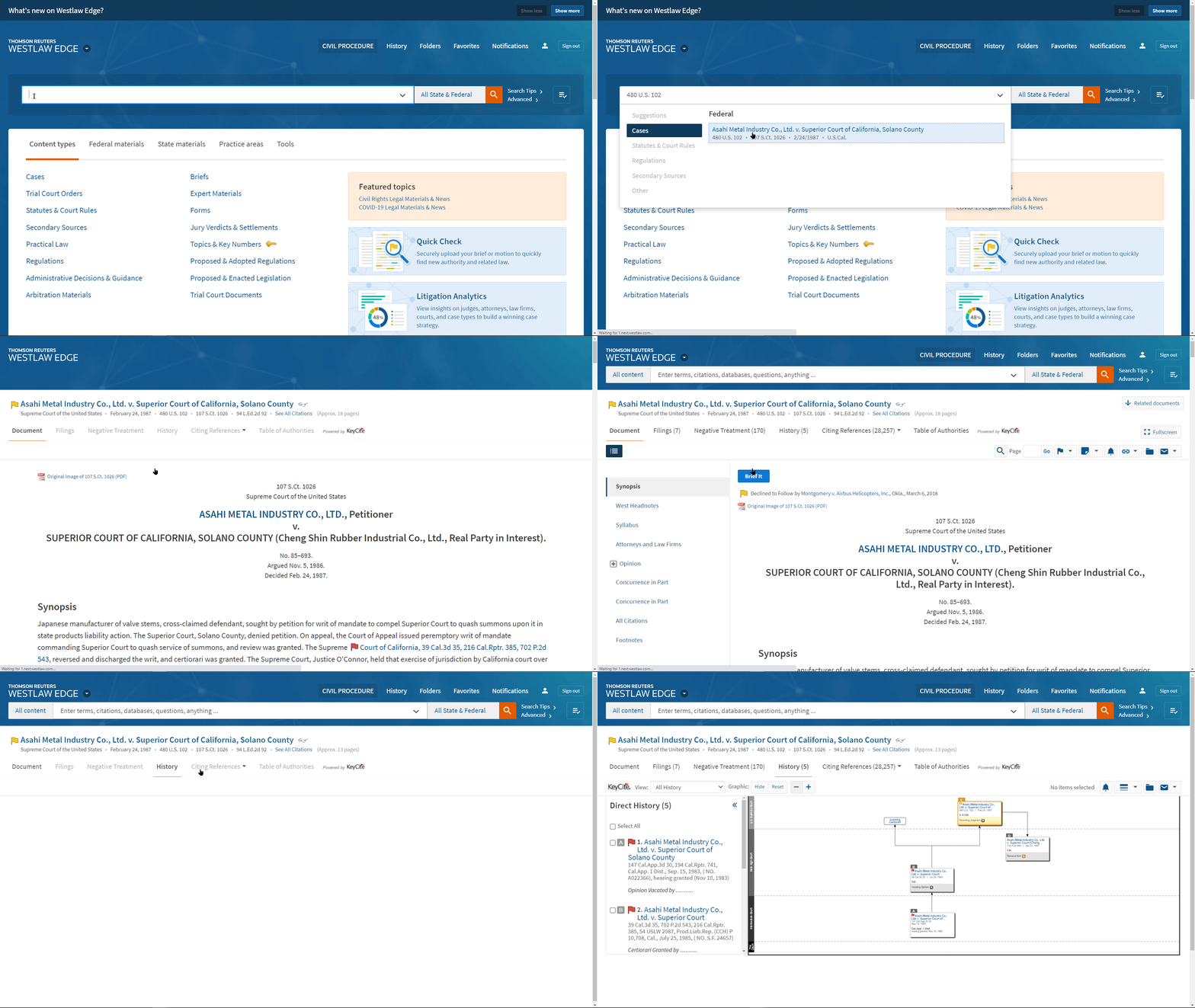
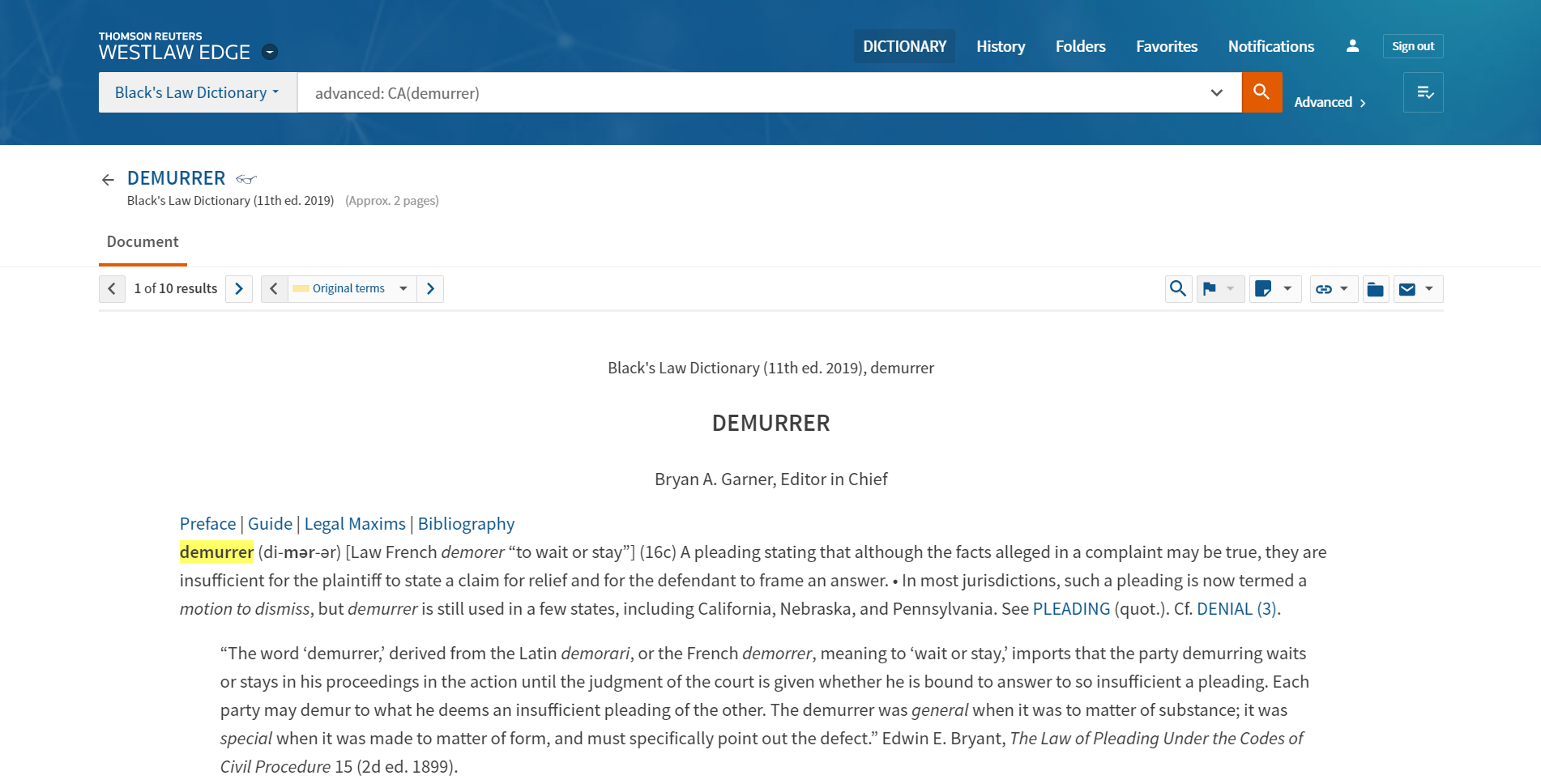
So, how do you find fields on Westlaw or get a refresh on Terms & Connectors? Click Advanced to the right of your search bar to dig in. Try it when viewing different content pages to find unique search features.
Search Within Results
Terms & Connectors power crucial filters for building arguments
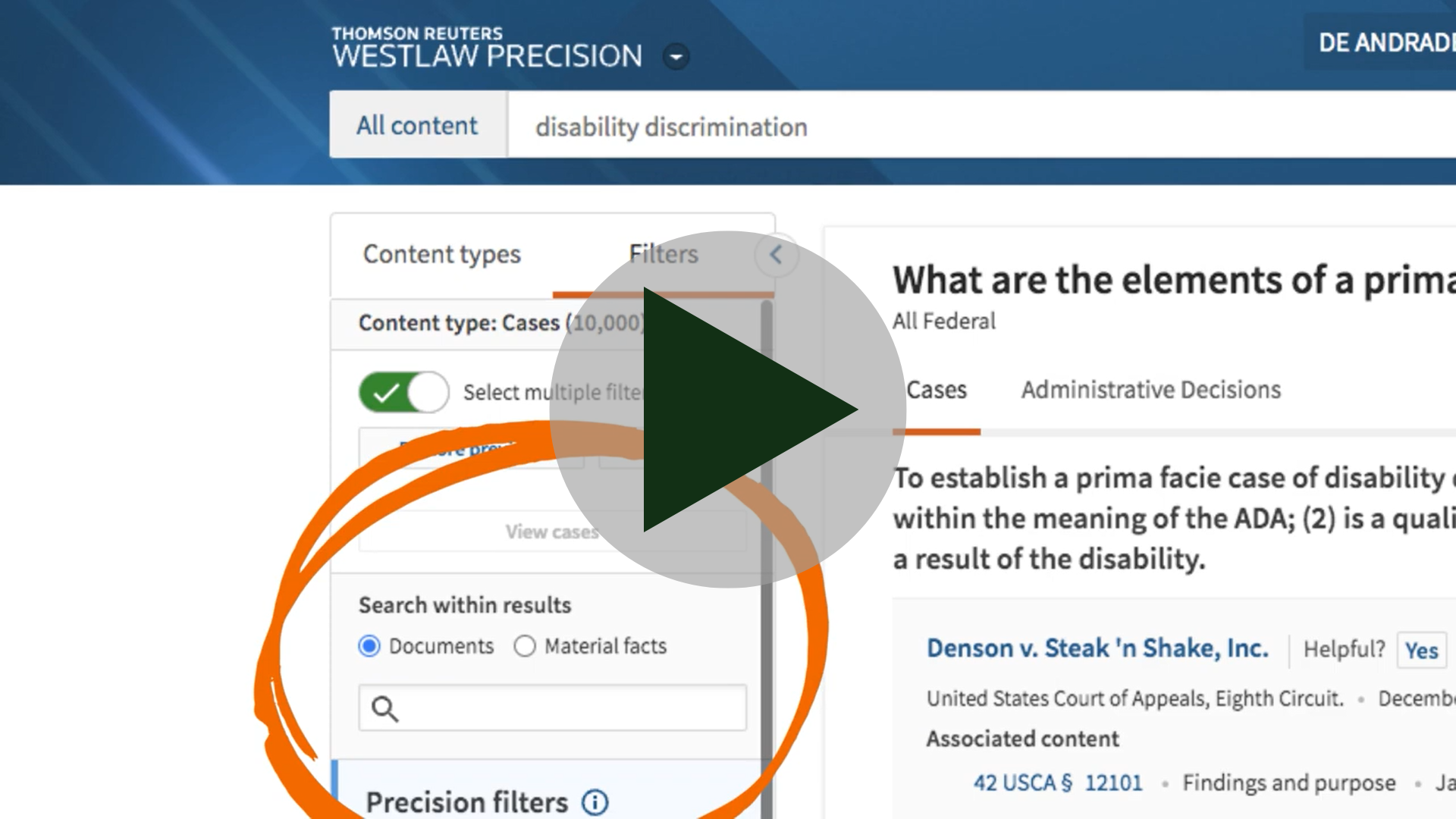
Need to narrow down a search to a particular sub-issue or argument? Search within results is a filter located throughout Westlaw to help you do just that. It's key to effective legal research and it's all powered by Terms & Connectors.
Precision Searches
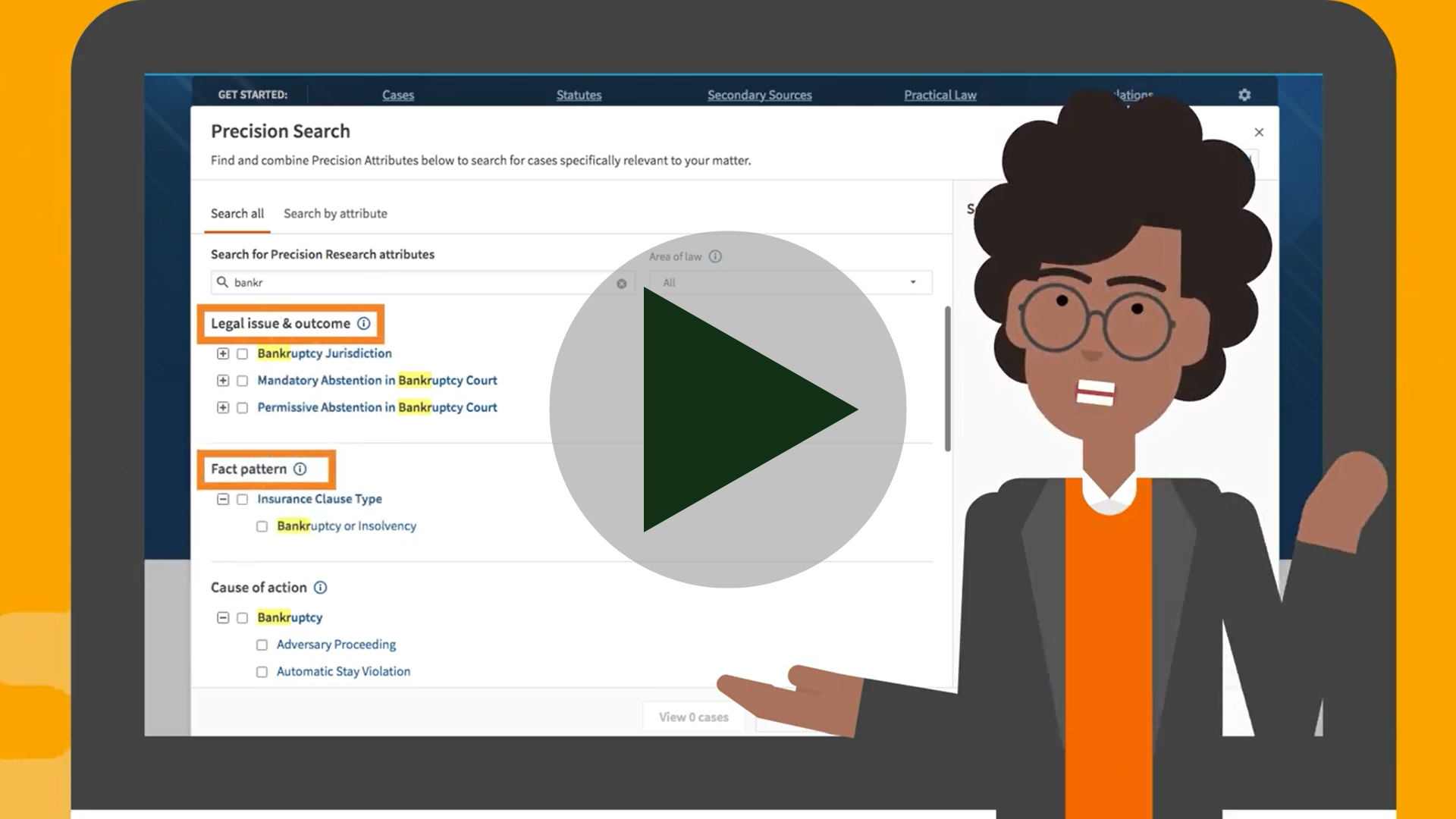
An advanced search tool designed to get you answers
Supercharge your field searching and zero in on the answers you need with Precision Search. You can target the specific facts, issues, parties and outcomes to find that perfect case without FOMA (fear of missing authority).